How It Works?
Three Components, One Ecosystem
Staff Dog consists of three main components: a desktop application, an administration panel, and a secure cloud infrastructure.
Masaüstü Uygulaması
Windows & macOS
It runs silently in the background on the employee's computer. It transmits activity data and screenshots to a secure server.
Management Dashboard
Web Browser
A central web application where managers monitor their team in real time, view reports, and manage settings.
Secure Cloud Infrastructure
Node.js + PostgreSQL + AWS
REST API and WebSocket-based backend. All data is stored encrypted on AWS S3. Fully compliant with Turkish Data Protection Law (KVKK).
How does it work as an employee?
Install the App
Click the download link you received from your administrator. Run the .exe file for Windows or the .dmg file for macOS.
Log In
Log in with your company email address and the password sent to you.
Give your approval.
You will be informed about the tracking process under the KVKK (Turkish Personal Data Protection Law). The system will start automatically once you give your consent.
Work normally.
The system runs silently in the background. It won't disturb you. At the end of your workday, the application automatically logs you out.
🛡️ Privacy Guarantee: Staff Dog does not collect data outside of working hours. Privacy mode is automatically activated in personal applications like WhatsApp.
How does it work as a manager?
Create an Account
BContact us and create your corporate account. You'll have access to your company panel within 5 minutes.
Add Staff
Add staff to the system using their email addresses. An invitation link will be sent automatically. Define roles and permissions.
Configure Settings
Customize working hours, screen time interval, AFK threshold, and privacy settings to suit your needs.
Monitor and Report
See your team live in the real-time monitoring dashboard. Get automatic daily and monthly reports.
Whats on the Panel
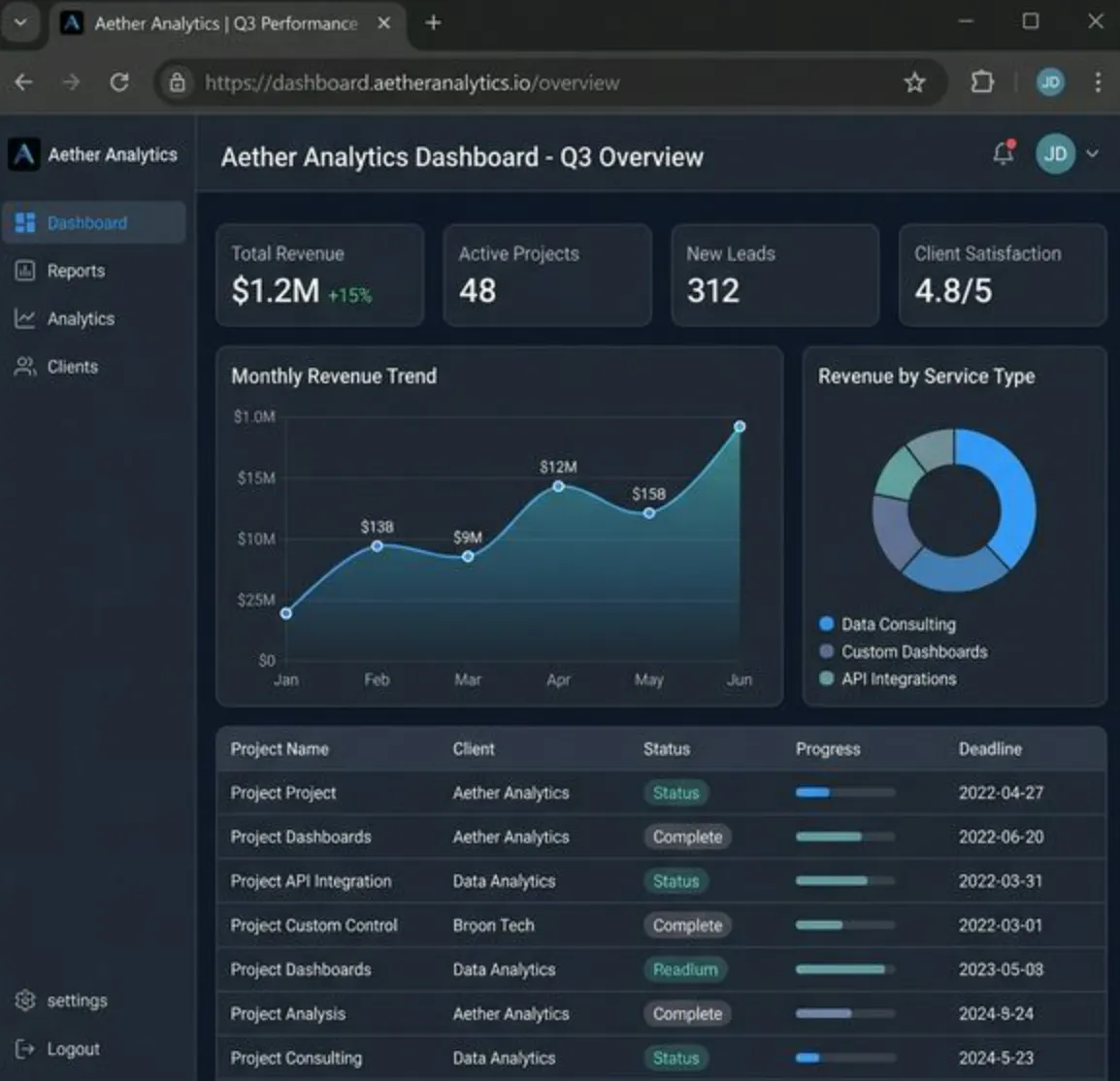
- Live Monitoring ViewReal-time status of all personnel, AFK periods and active applications.
- Personnel Details PageDaily analyses, screenshot history and productivity score.
- Reports PageCustomizable date ranges and Excel/PDF export.
- System SettingsKVKK modes, screenshot frequency and working hours management.
About Installation
Q. Does it require IT support for installation?
No. The Staff Dog desktop application installs with a single click. The average installation time is 3 minutes.
Q. Which operating systems are supported?
We fully support Windows 10/11 and macOS 11+ (Big Sur and above) systems.
Q. What happens if the internet connection is interrupted?
When the connection is lost, the data is stored in local encrypted storage and automatically synchronized when the internet connection is restored.
Q. How many users can use it simultaneously?
Unlimited. Our WebSocket infrastructure ensures the simultaneous monitoring of thousands of personnel without delay.
Are you ready to start right away?
Complete the setup in 5 minutes, and try all features for free for 14 days.