Track your team's work transparently and fairly
- No credit card
- 5-minute setup
- macOS and Windows
 Working● REC
- Setup time
- < 5 min
- Platforms: macOS and Windows
- 2
- Users free forever
- 5
- Consent, privacy and data rights
- KVKK
Everything you need to manage a remote team
From live monitoring to reports, break tracking to messaging your staff - in one panel.
Live screen and status
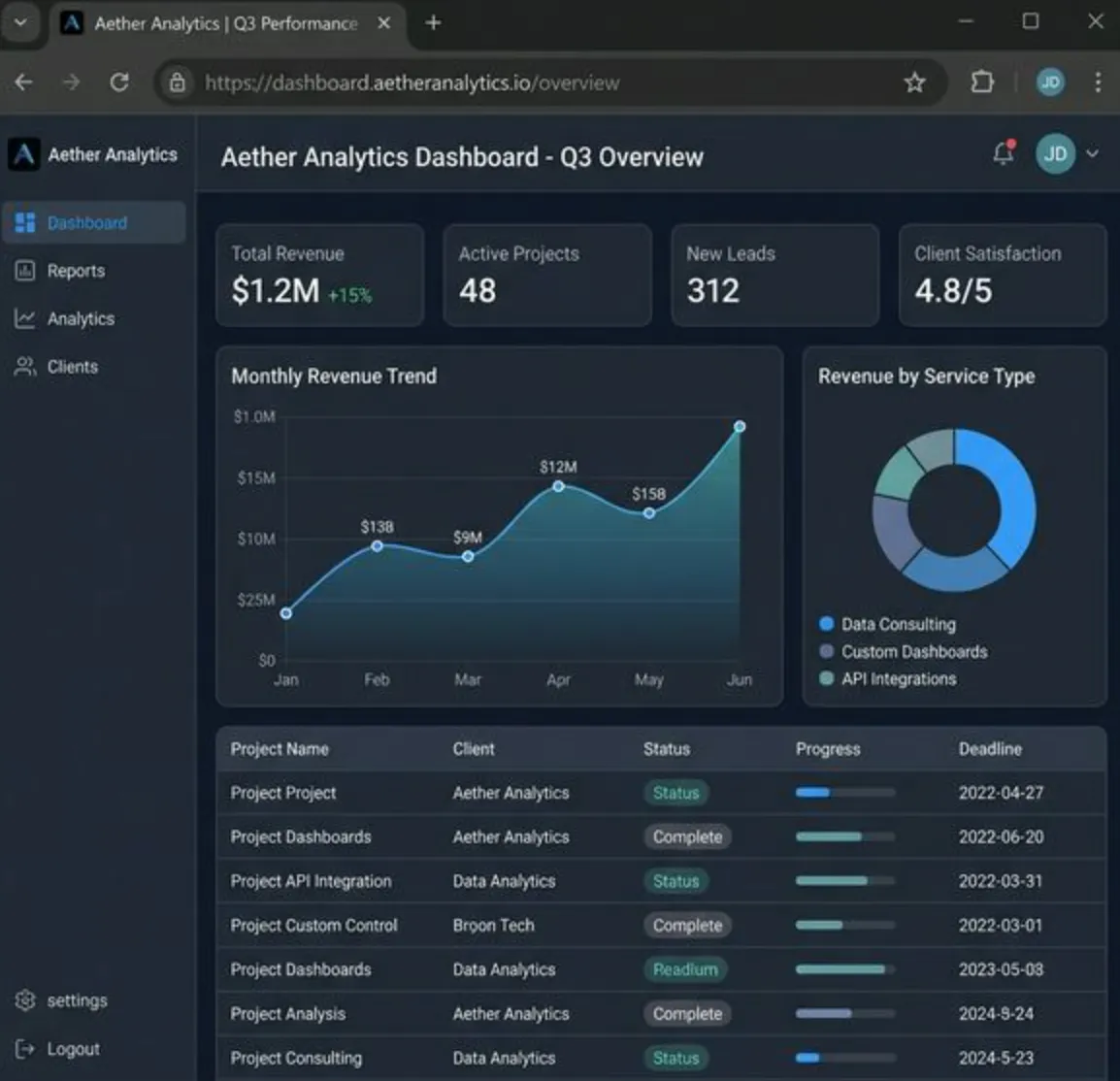
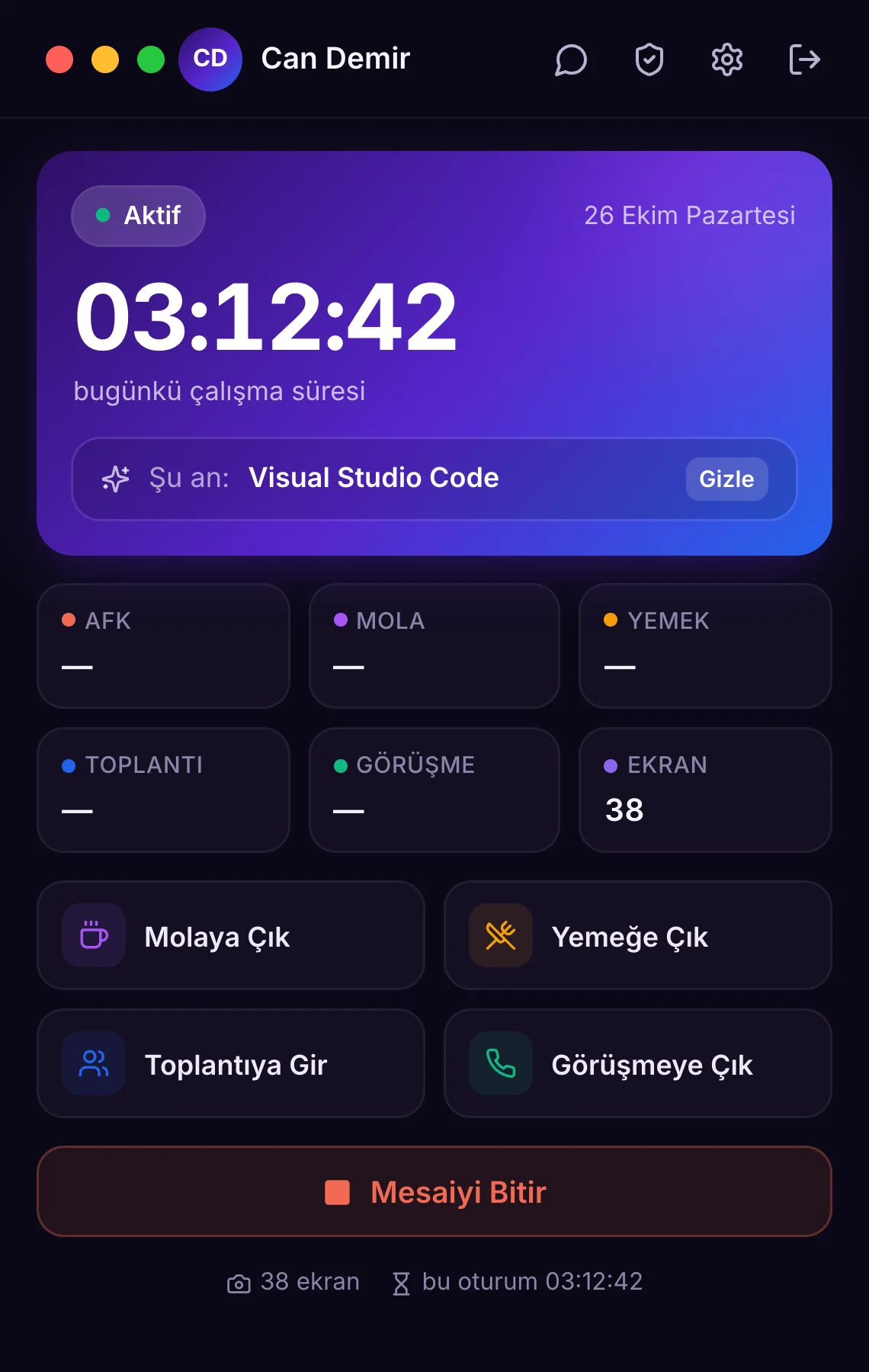
See who is working, on a break or AFK at a glance. Open the live screen to see what is being worked on right now.
Ready-made reports
Daily, monthly and per-employee reports on working time, overtime and app usage. As PDF and by email.
Break, lunch, meeting
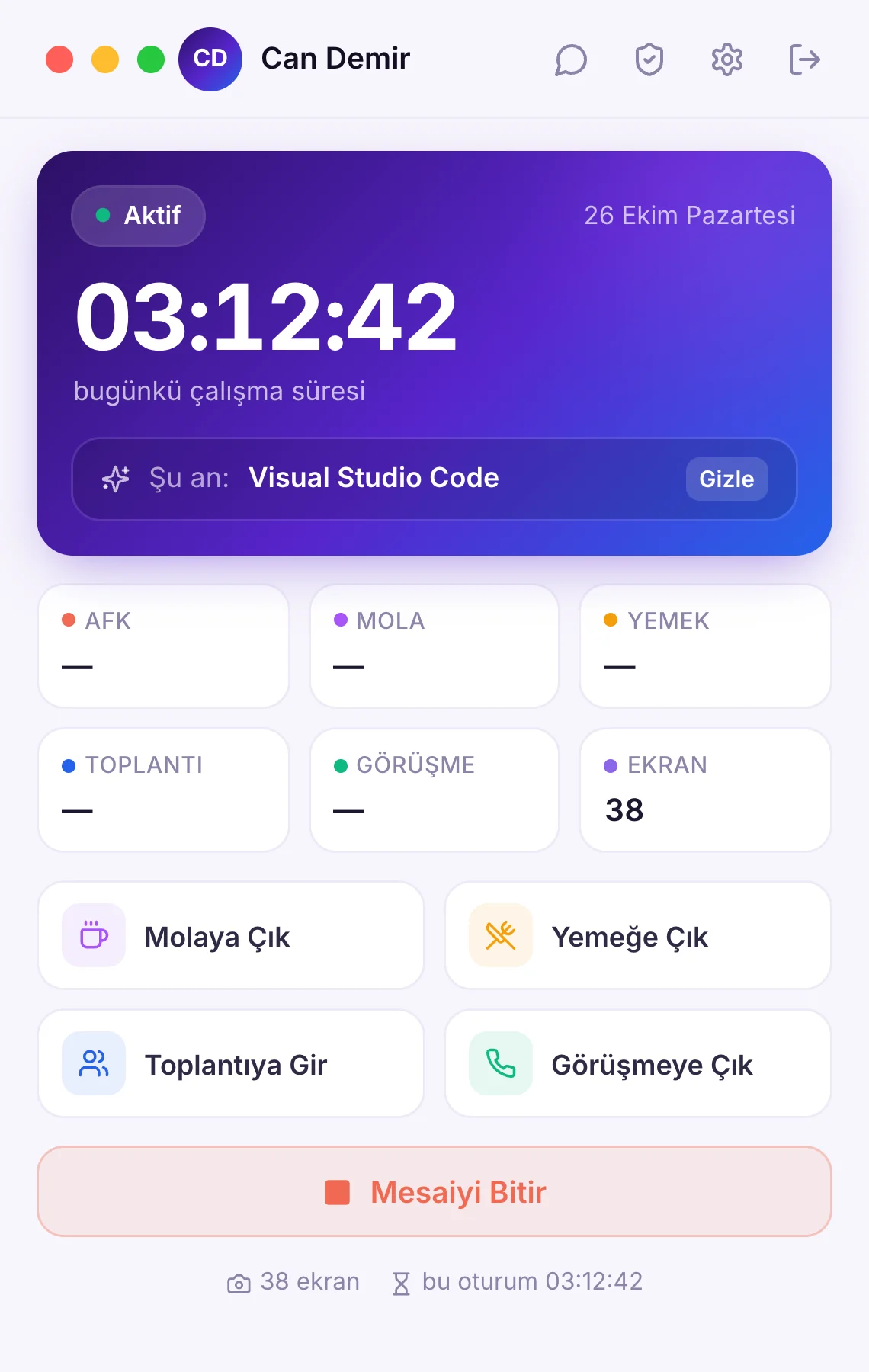
Employees switch modes with one click; the time shows separately in reports.
Privacy control
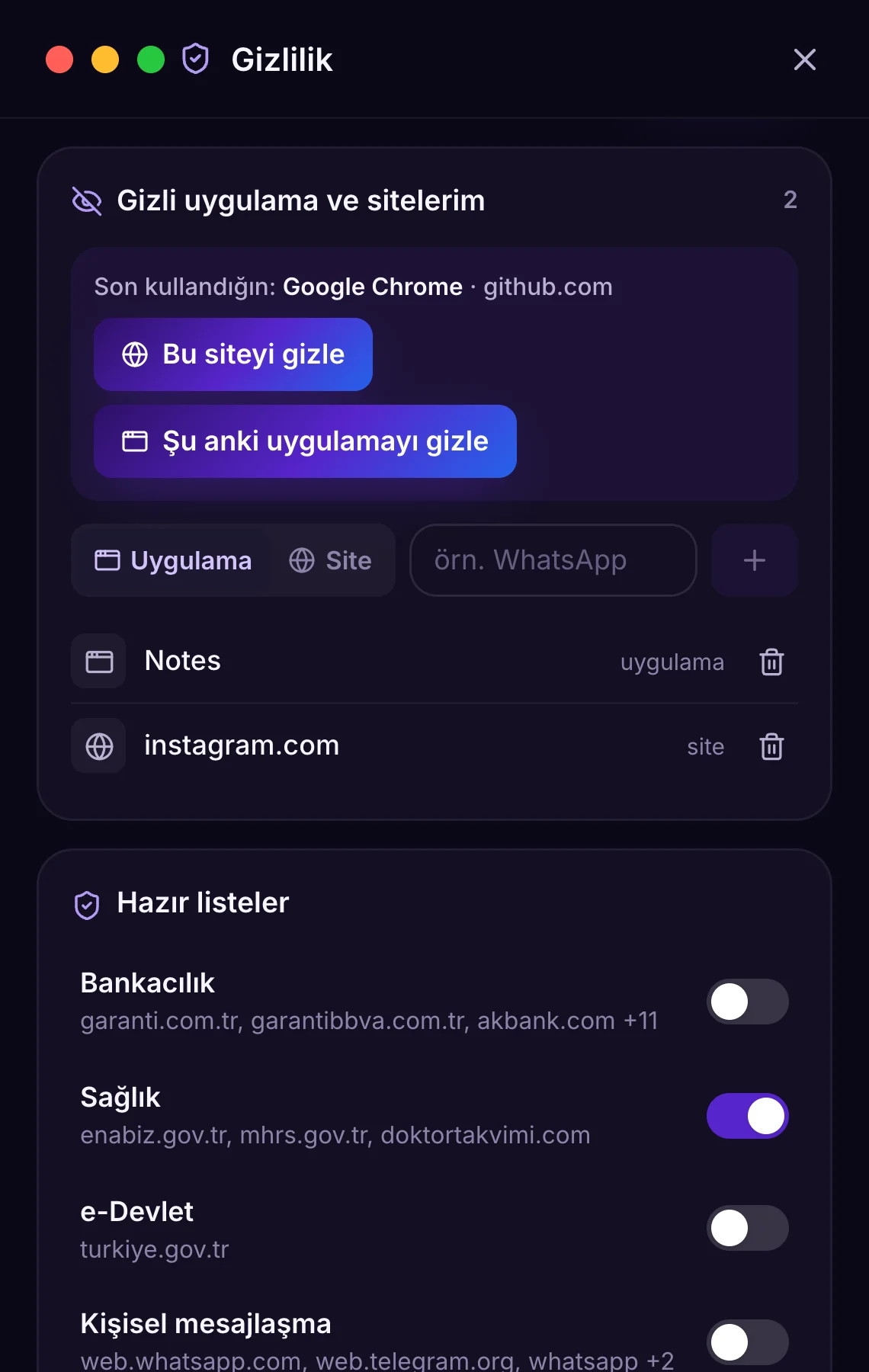
Employees hide apps like banking, health and personal messaging. Apps you mark as work apps cannot be hidden.
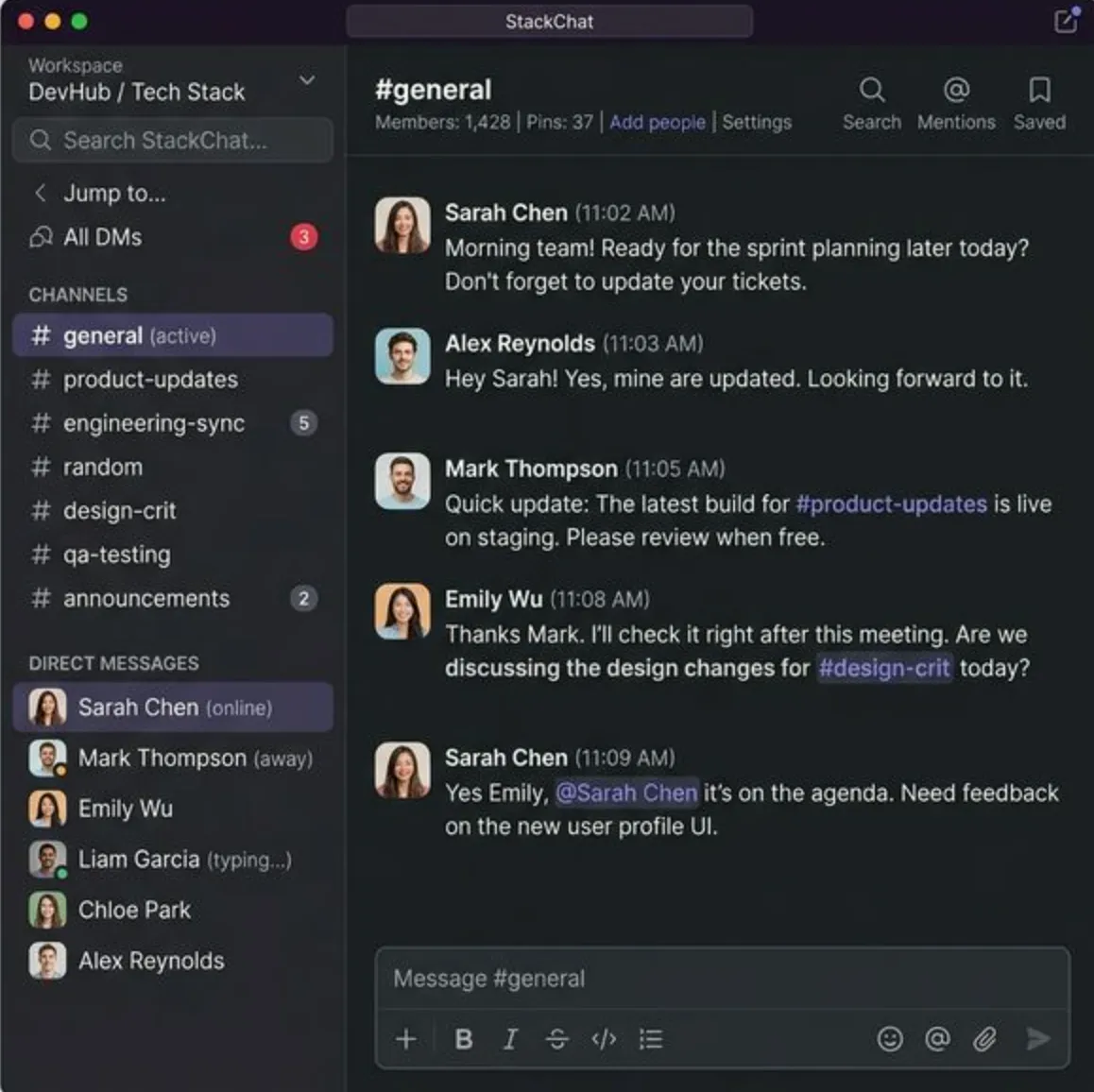
Message your staff
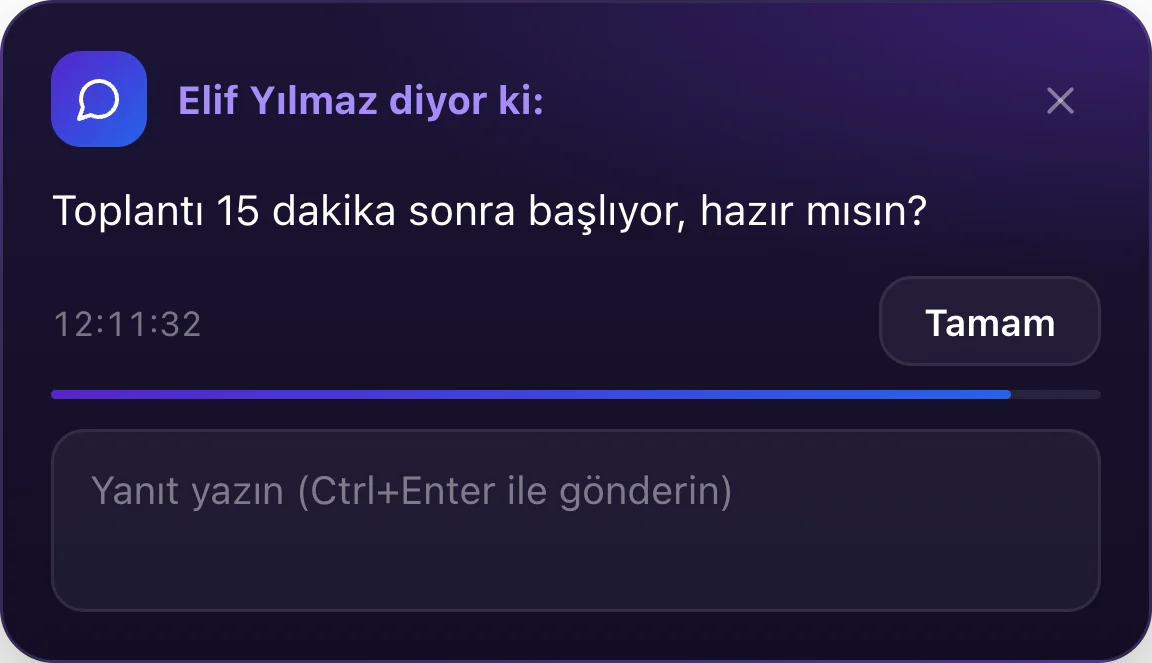
Messages you send from the panel pop up on the employee's screen; they reply right there.
AFK and shift reminders
After a long idle period a reason is asked; reminders at the end of work hours and if a shift is forgotten.
Tracking that respects your staff
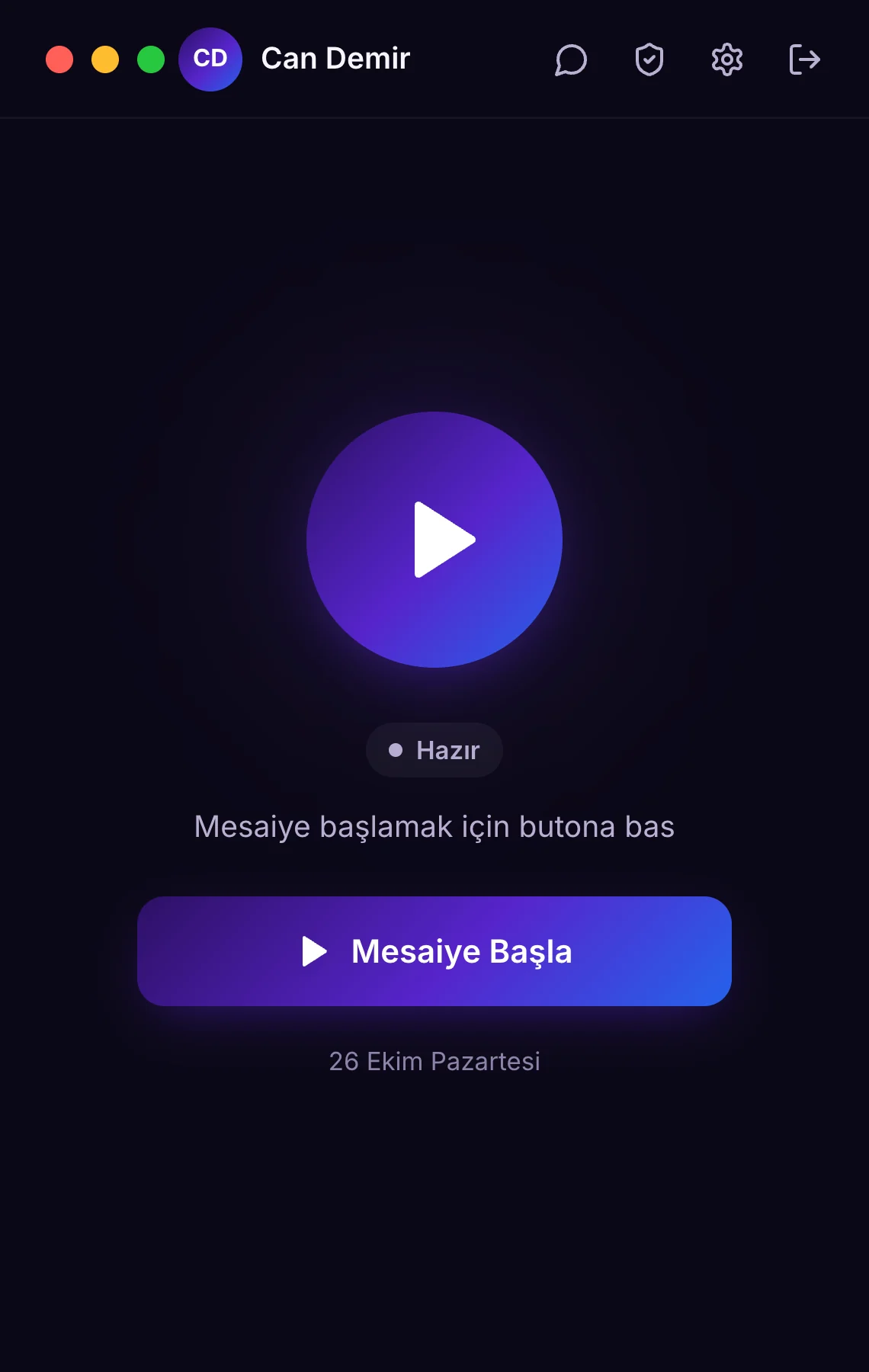
Tracking only starts when the employee clicks “Start Shift”. What is recorded is always visible, and what is personal stays private.
- Employees stay in control
Shift, break and meeting in one click. Nothing is collected while no shift is open.
- Private apps and sites
While a personal app is open its name shows as “Private” and no screenshot is taken.
- Hide recent minutes
Forgot to take a break? Employees can hide recent activity up to the limit you set.
- Access to their data
Employees can download their data and see which manager viewed it.
Get started in 3 steps
Setup takes minutes, no IT support needed.
- 1
Create your account
Register your company and add your staff. Send each employee the setup guide link.
- 2
Staff install the app
They download the macOS or Windows app, sign in with company name and email, and accept the privacy notice.
- 3
Watch live, get reports
Employees appear in the panel the moment they click “Start Shift”. Reports are prepared automatically.
A plan for every team
No hidden fees. Start small and scale as your team grows.
Starter
The ideal start for small teams
- ✓Up to 5 users
- ✓Live monitoring and time tracking
- ✓App and website tracking
- ✓Basic reports
- –Screenshots
- –Monthly PDF reports
Professional
All features for growing teams
- ✓Billed per user, monthly
- ✓Live screen and screenshots
- ✓Advanced reports and analytics
- ✓90-day screenshot retention
- ✓Monthly PDF reports
- ✓WhatsApp notifications
- ✓Priority email support
Enterprise
A custom solution for large teams
- ✓All Professional features
- ✓Unlimited users
- ✓Flexible screenshot retention
- ✓On-premise option
- ✓Custom API integration
- ✓Dedicated account manager
- ✓Custom contract and KVKK addendum
All plans are KVKK compliant. Secure card payment via iyzico.
Start managing your team transparently today
14 days free. No credit card. 5-minute setup.